AlekhniDraft 1 · p. 1

Write the paper.
Show the
thinking

Most writing software is built for offices. Alekhni is built for essays, theses and papers, and for the students, researchers and supervisors who write them together.

AlekhniDraft 2 · p. 2

Three things we believe

3 comments resolved · version 2

Everything a paper needs, on one desk.

No. 01

Writing is thinking. Keep it human.

AI can produce text in seconds. Alekhni is on the side of the person doing the reading and the arguing: it handles citations, references and layout, so the thinking stays yours.

Writing is a set of thinking processes that a writer orchestrates while composing (Flower & Hayes, 1981).

ReferencesFlower, L., & Hayes, J. R. (1981). A cognitive process theory of writing. College Composition and Communication, 32(4), 365–387.
Fig. 1The paged editor. A real page with margins, headers, footers and page numbers, laid out the way it will print.

Fig. 1The paged editor. A real page with margins, headers, footers and page numbers, laid out the way it will print.

Fig. 2Your Zotero library, beside the draft. Sign in with Zotero and cite from your own collections without leaving the paper.

Fig. 2Your Zotero library, beside the draft. Sign in with Zotero and cite from your own collections without leaving the paper.

Fig. 3Citation styles that format themselves. APA, MLA, Chicago, Harvard, IEEE, Vancouver, OSCOLA and more, from the official Zotero style files.

Fig. 3Citation styles that format themselves. APA, MLA, Chicago, Harvard, IEEE, Vancouver, OSCOLA and more, from the official Zotero style files.

Fig. 4A LaTeX workspace. Write LaTeX beside a live page preview, then download the project or open it in Overleaf.

Fig. 4A LaTeX workspace. Write LaTeX beside a live page preview, then download the project or open it in Overleaf.

No. 02

Guide the process. Not just the final draft.

Supervisors see how a paper grows, version by version, and help while the work is still taking shape, instead of guessing from a final upload to a plagiarism checker.

v1 · Mon 09:12

Social media is bad for students.

Supervisor: What do you mean by “bad”? Narrow it down.
Fig. 5Writing history. Every saved version in order, so a supervisor can follow how the argument developed.

Fig. 5Writing history. Every saved version in order, so a supervisor can follow how the argument developed.

Fig. 6Comments anchored to the text. Feedback sits next to the sentence it is about, and the student answers it there.

Fig. 6Comments anchored to the text. Feedback sits next to the sentence it is about, and the student answers it there.

Fig. 7Suggested edits. Supervisors propose changes; the student accepts or rejects each one.

Fig. 7Suggested edits. Supervisors propose changes; the student accepts or rejects each one.

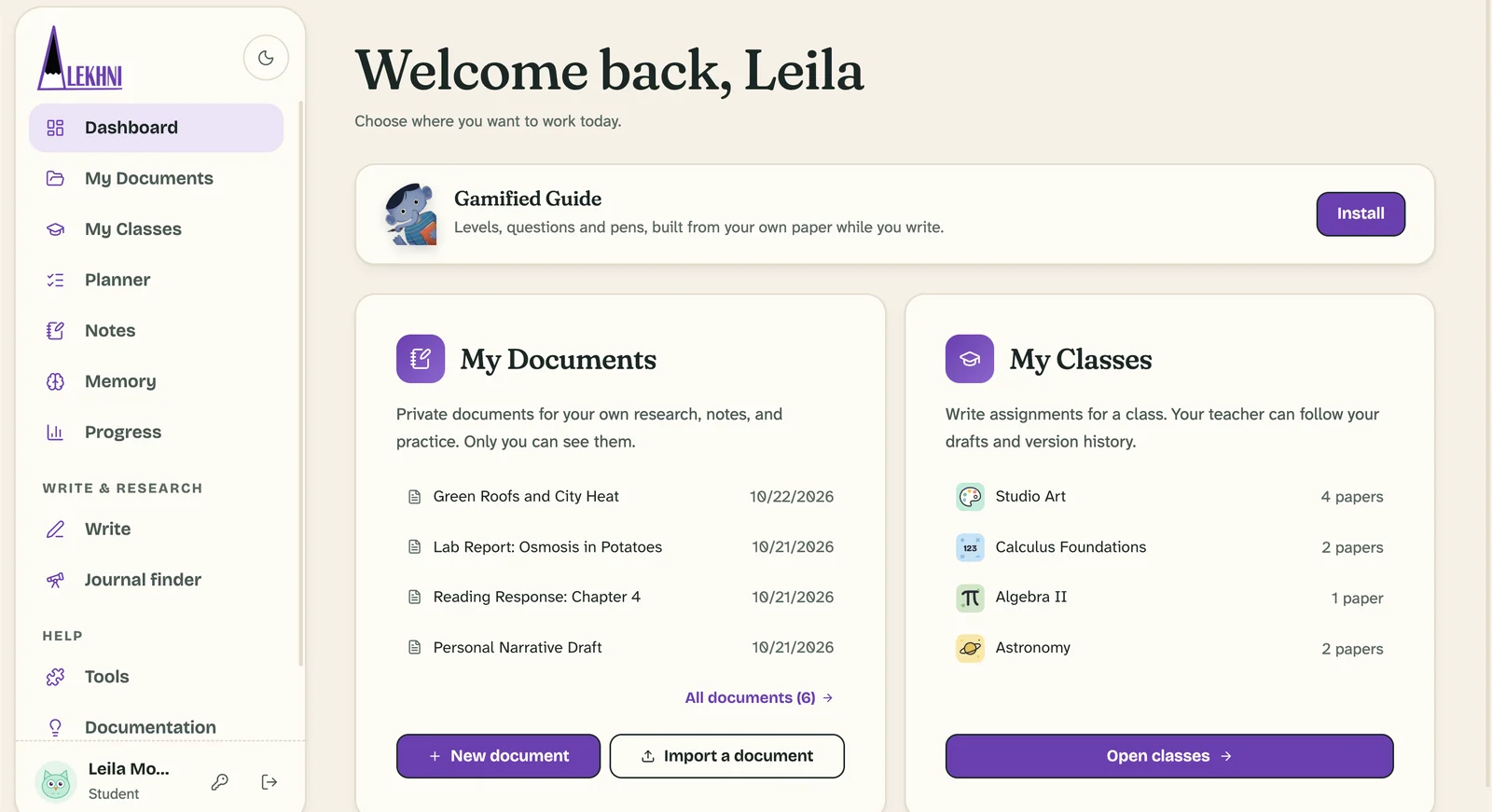
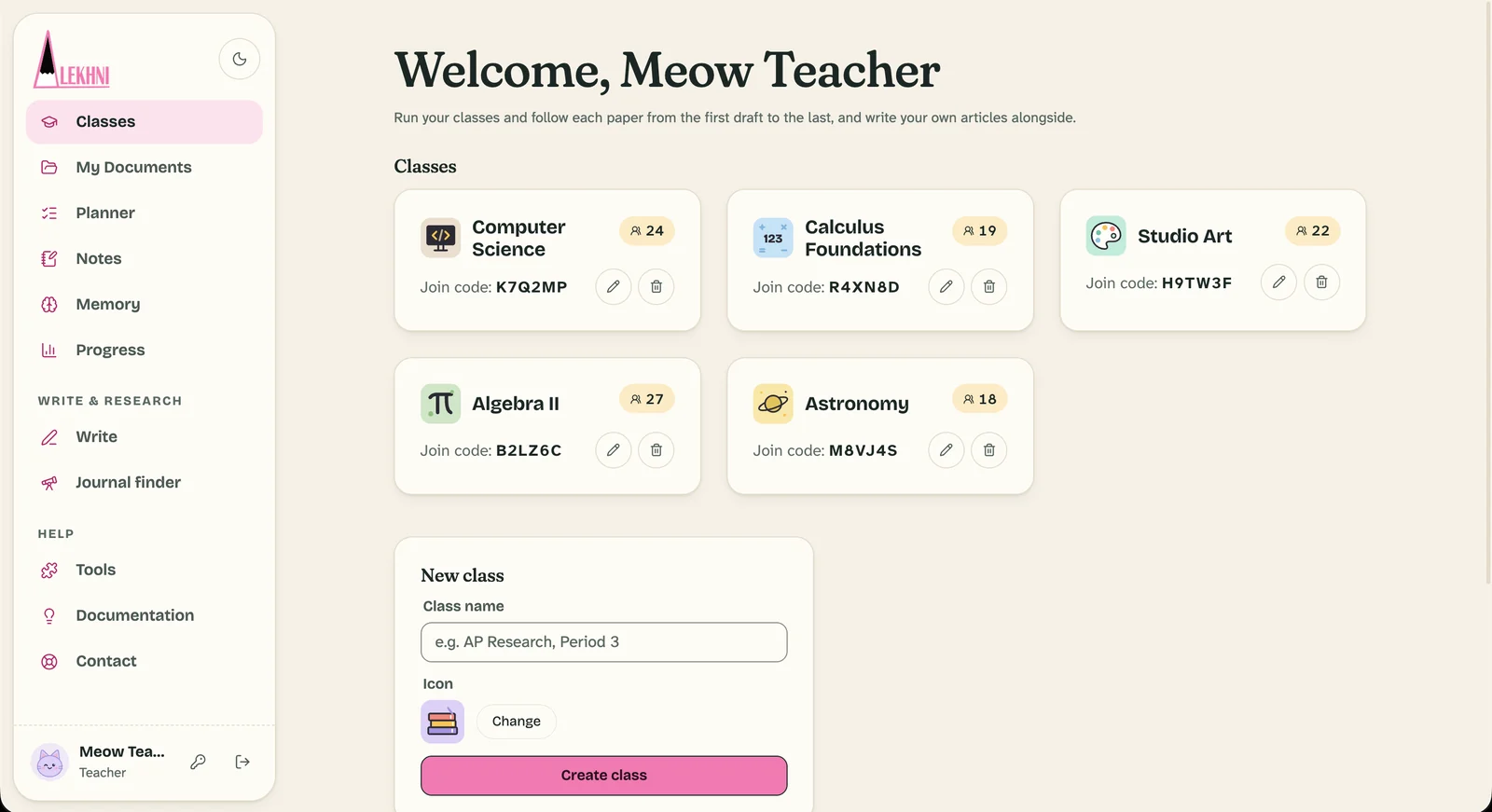
Fig. 8Classes. A shared workspace for a class: papers, drafts and feedback in one place.

Fig. 8Classes. A shared workspace for a class: papers, drafts and feedback in one place.

No. 03

Open to everyone. Good tools, for every student.

Alekhni runs in any browser, keeps working offline, and connects to the storage students already use, so serious research tools are not reserved for well-funded institutions.

Online · synced
Fig. 9Google Drive, OneDrive and Dropbox. Import a document from your cloud storage, or save your paper back as DOCX or PDF.

Fig. 9Google Drive, OneDrive and Dropbox. Import a document from your cloud storage, or save your paper back as DOCX or PDF.

Fig. 10Any device, even offline. Works in any modern browser. Edits made offline stay on your device and sync when you reconnect.

Fig. 10Any device, even offline. Works in any modern browser. Edits made offline stay on your device and sync when you reconnect.

Fig. 11Export the way it was written. PDF, DOCX, LaTeX and Markdown, with the page layout you wrote on.

Fig. 11Export the way it was written. PDF, DOCX, LaTeX and Markdown, with the page layout you wrote on.

A final draft tells you what. The history tells you how.

One upload, one number, and no idea how the paper was written.

Every version, comment and source, in order, while there is still time to help.

A new era for human writing.

A machine can now produce a finished-looking essay in seconds. What it cannot do is the reading, the doubting and the slow building of an argument, which is where a student actually learns.

We want writing to stay something people enjoy and can do well. So Alekhni supports the whole process: drafts that are supervised, feedback that arrives while it can still help, and progress that is encouraged instead of judged only at the end. The final draft is one part of the story, not the whole verdict.

The Alekhni team

We want to support academic reading, research and writing in every way we can: by building the best software made for academic work, and by making research accessible to everyone, especially young people.

  • Academic-first software

    Built around theses, essays and supervision, not quarterly reports.

  • Research within reach

    Runs in any browser, on any device, even offline.

  • Young researchers first

    Write&Cite for school students, and a journal that answers every author.

University starts before university.

To help students learn and enjoy academic reading and writing earlier, we created Write&Cite: a program that teaches younger students the habits university expects, one step at a time, so the first research paper feels familiar instead of frightening.

Visit writeandcite.com
  1. Step 1Read closely
  2. Step 2Take good notes
  3. Step 3Paraphrase fairly
  4. Step 4Cite honestly
  5. Step 5Build an argument

A journal that writes back.

Our non-profit journal takes a new approach to submissions. Every author receives feedback, and students are judged on how they developed their idea, not only on the final draft.

  • Every author receives written feedback
  • Progress and process count, not only the final draft
  • Run as a non-profit, for students
Visit alekhni.org
  • APA 7
  • MLA 9
  • Chicago 18
  • Harvard
  • IEEE
  • Vancouver
  • OSCOLA
  • Nature
  • Zotero
  • Google Drive
  • OneDrive
  • Dropbox
  • DOCX
  • PDF
  • LaTeX
  • Markdown

Every good paper starts as a rough draft.

Open the editor and start yours. Create an account to save your papers, join a class and share your drafts with a supervisor.